


How To Put a Tracker On Your Wallet: It's Never Been Easier
Losing your wallet is a simple mistake that causes a cascade of annoying issues. If your license was in it - you can’t drive, if your ID or passport was in it - you can’t travel.
Wallet trackers can give you peace of mind if you ever do lose your wallet and help in a pinch when you’re running out the door. (Heads up: It’s in the couch cushions.) Depending on the type of wallet tracker, how to put a tracker on your wallet can vary, but usually, it’s as simple as pairing it with your smartphone.
The best wallet trackers sync easily with any phone, offer wide tracking ranges, and boast long battery life. But what is the best wallet tracker? Read on to discover the two best wallet trackers and how easy it is to install a tracker on your wallet.

What is the best wallet tracker? The top 2 options
When it comes to what is the best wallet tracker, there are two options: the Finder Card and the smaller AirTag tracker.
You don’t need to be tech-savvy to use these discrete trackers. To install a tracker to a wallet you simply sync it with your phone, open the app, and make sure the wallet tracker is fully charged.
Both types of wallet trackers can be added to almost any wallet, but you’re better off going with a wallet specifically designed for the tracker to make sure it fits snug and secure. Below you’ll find our highest-rated trackable wallets.

Ekster Wallet + Tracker card
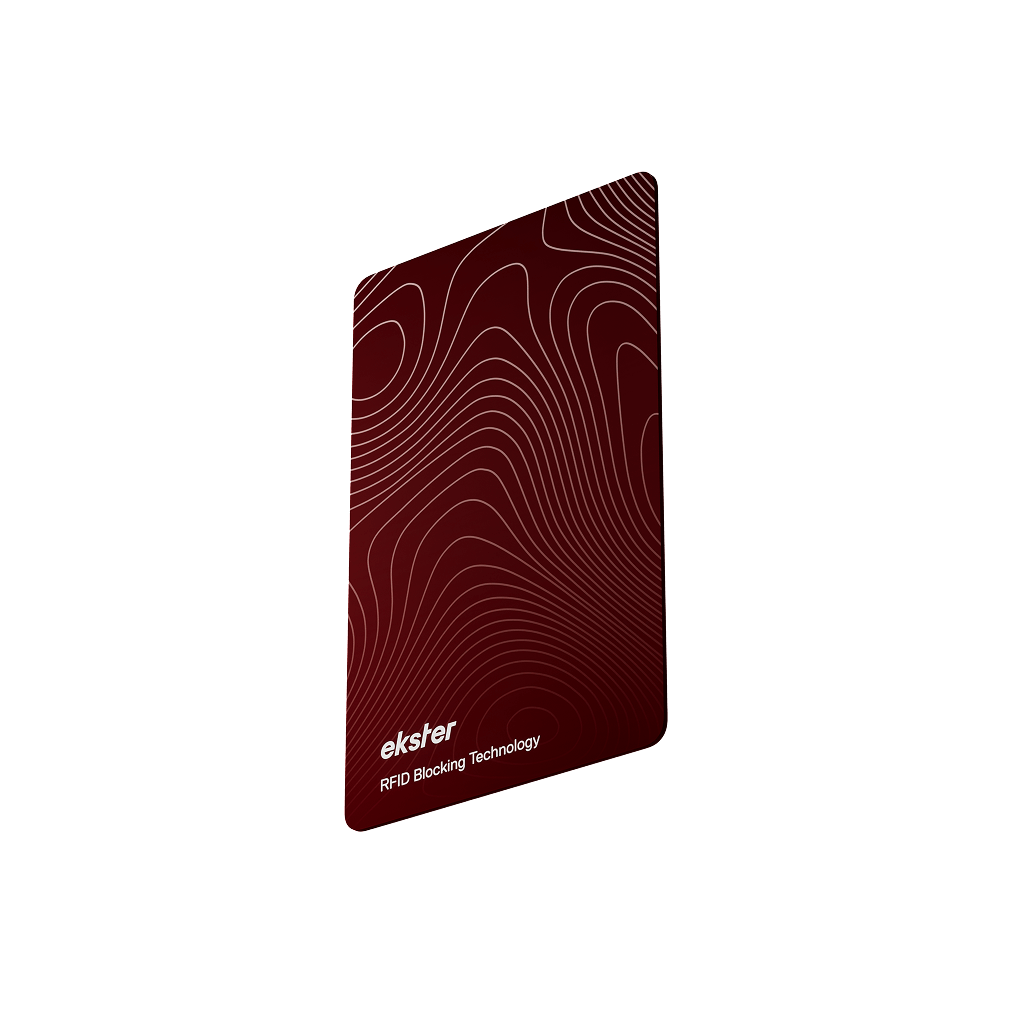
Ekster's Finder Card is a credit card-shaped tracker that can either be placed into the card slot of a normal bifold wallet or in the specially designed pocket of the Ekster wallet, a slim leather wallet.
This tracker can be synced with Apple Find My or Google Find Hub depending on which model you purchase. Once synced, this wallet tracker lets you pinpoint your wallet's location and taps into a global lost-and-found network.
You can even receive separation alerts if you move a certain distance from your wallet. Best of all, this tracker is rechargeable; a couple of hours of charge gives your up to six months of power.
The best wallet to pair with these trackers is the Ekster wallet. This slim leather wallet carries the same amount of cards as a normal leather bifold in a fraction of the space so you aren’t weighed down by your most important accessory.
You also have easier access to the contents of your wallet with the pop-up card feature, which definitely helps speed up checkout and has an undeniable cool factor.

AirTag Leather Wallet + AirTag Tracker
The AirTag tracker allows you to add your wallet to Apple’s Find My ecosystem, so you can track it alongside your other devices. Unfortunately for Android users, this isn’t particularly helpful since they won’t have access to this. For anyone who does have an iOS-compatible smartphone, the AirTag is a great option.
It has incredible accuracy when finding your wallet's location, long battery life, offers separation alerts, and handily groups your wallet with other trackable devices into one app. However, because of its design (roughly the shape and size of a watch battery), it can be hard to fit into wallets.
Luckily, this leather AirTag wallet has a specially designed pocket for the tracker so it’s safe and secure. The AirTag Wallet has many of the same features as The Parliament; full-grain leather, fast-access card slots, and a slim design. And thanks to the secure AirTag pocket, you never have to worry about the tracker falling out, rendering your wallet un-trackable.

How to put a tracker on your wallet: AirTag Wallets
How to put on a tracker on your wallet with AirTag couldn’t be easier. Follow these simple steps to achieve maximum wallet peace of mind.
To begin you’ll need:
• An iPad, iPhone, or iPod touch with iOS 14.5 or iPadOS 14.5 or later and two-factor authentication turned on.
• Both Find My and Bluetooth turned on
• A strong WiFi or cellular connection
• Location services turned on
Set Up Your AirTag:
1. Remove AirTag from the packaging and remove the tab to release the battery, your AirTag should make a sound.
2. How the AirTag you want to use for your wallet near your device and press connect on the screen.
3. Name your AirTag and choose an emoji.
Tap one.
How to put the AirTag tracker on your wallet:
1. Once your AirTag is synced with your phone, take your AirTag wallet and remove it from the packaging.
2. Locate the pocket on the back of the wallet.
3. Open the pocket and slide AirTag under the small circular flap so the reflective side is facing out.

How to install a tracker in a wallet: Ekster Finder Card
How to install a tracker in a wallet is just as simple as putting a card inside your wallet. Once you have your Tracker Card and Wallet, just follow these steps.
To begin you’ll need:
• A smartphone (Apple or Android)
• A Finder Card that has been sufficiently charged.
To Set Up Your Finder Card:
1. Open your Find My app
2. Press and hold the button until the tracker makes a sound. (This may take 20 seconds.)
3. Link the Finder Card to the app
4. Now you customize the name of your wallet and program Siri commands such as, “Hey Siri, find my wallet.”
How to install the tracker to wallet:
1. Once your tracker card is synced, simply slide it into the back pocket of your wallet.
2. Enjoy peace of mind and never lose your wallet again!

Even though 57% of Americans say they return any wallet they find with a phone number or ID inside, it’s not advisable to rely on the kindness of strangers for your most important accessory.
Avoid the nightmare of losing your wallet and find it quickly when you’re running out the door with the best wallet trackers.
Get your trackable wallet from Ekster today to try it for 100 days risk-free and enjoy a 2-year warranty (or a lifetime warranty with any Cardholder Pro purchase).
FAQs
What is the easiest way to put a tracker on my wallet?
Adding a tracker to your wallet is simple. You can use either the Ekster Finder Card or an AirTag tracker. For both, you just need to sync the tracker with your phone via an app (Google's Find Hub® for Android or Apple’s Find My for iOS), slide it into your wallet’s designated pocket, and you’re good to go!
Which wallet trackers are the best for my wallet?
The two best wallet trackers are the Ekster Finder Card and the Apple AirTag. Both are easy to use, offer great tracking range, and long battery life. The Ekster tracker card is perfect for Android or Apple users, while the AirTag is ideal for iPhone users who already have an AirTag.
Can I track my wallet with an Android phone?
Yes! If you're using an Android phone, the Ekster Finder Card (Android) is the best choice. It pairs seamlessly with the Find Hub app and lets you track your wallet’s location, or make it ring. You’ll also get separation alerts when you move too far from your wallet.
How do I set up an AirTag to track my wallet?
Setting up an AirTag to track your wallet is easy. Simply sync it with your iPhone or iPad through the Find My app, place the AirTag in the special pocket of an AirTag-compatible wallet, and start tracking. Once set up, you can track your wallet's location using the Find My app anytime.
Can I use a wallet tracker with any wallet?
While you can add a tracker to almost any wallet, it’s best to use a wallet designed specifically to fit the tracker. Ekster wallets are designed to securely hold both the tracker card and AirTag, ensuring the tracker stays in place and works efficiently.


