


How to Use Add-ons with the Cardholder Pro for MagSafe
If you just got your Cardholder Pro for MagSafe and you're wondering: “Wait… which side do I attach what to?”
You’re not alone. And honestly? You’re asking all the right questions.
Because this ecosystem is new, modular, and way smarter than the average MagSafe wallet, which means it deserves a breakdown that’s actually helpful.
This guide will cover:
- How the two magnetic sides work (and why they’re not the same… on purpose)
- Which add-ons attach to which side
- Exactly how to stack items so everything clicks, locks, and stays put
- The why behind the design, so your setup always feels intentional, not chaotic
Before we dive in… if you’re more of a visual learner, here’s a short video that shows you how Ekster’s magnetic wallet works with its add-ons.
The two magnetic sides and why they’re different
Your Cardholder Pro for MagSafe has two magnetic faces, but they are not built the same. And that’s a feature, not a flaw.
1. The phone side (aka the base side)
This is the side with the Ekster logo on it. If the Ekster logo is not facing you, you’re looking at the wrong side.
The logo side is tuned with:
- A specific MagSafe polarity that works with MagSafe phones
- A magnet layout that’s compatible with Apple MagSafe rings
- The correct alignment to lock onto the Finder Card
Why does it feel stronger? Because this is the side that has to cling confidently to the back of your phone. Your wallet should not slide or shimmy. It is not really stronger, only polarized in such a way to attach to the iPhone's magnets.
This side attaches to:
✔️ iPhones with MagSafe
✔️ Ekster’s MagSafe Sticker (for non-iPhone users)
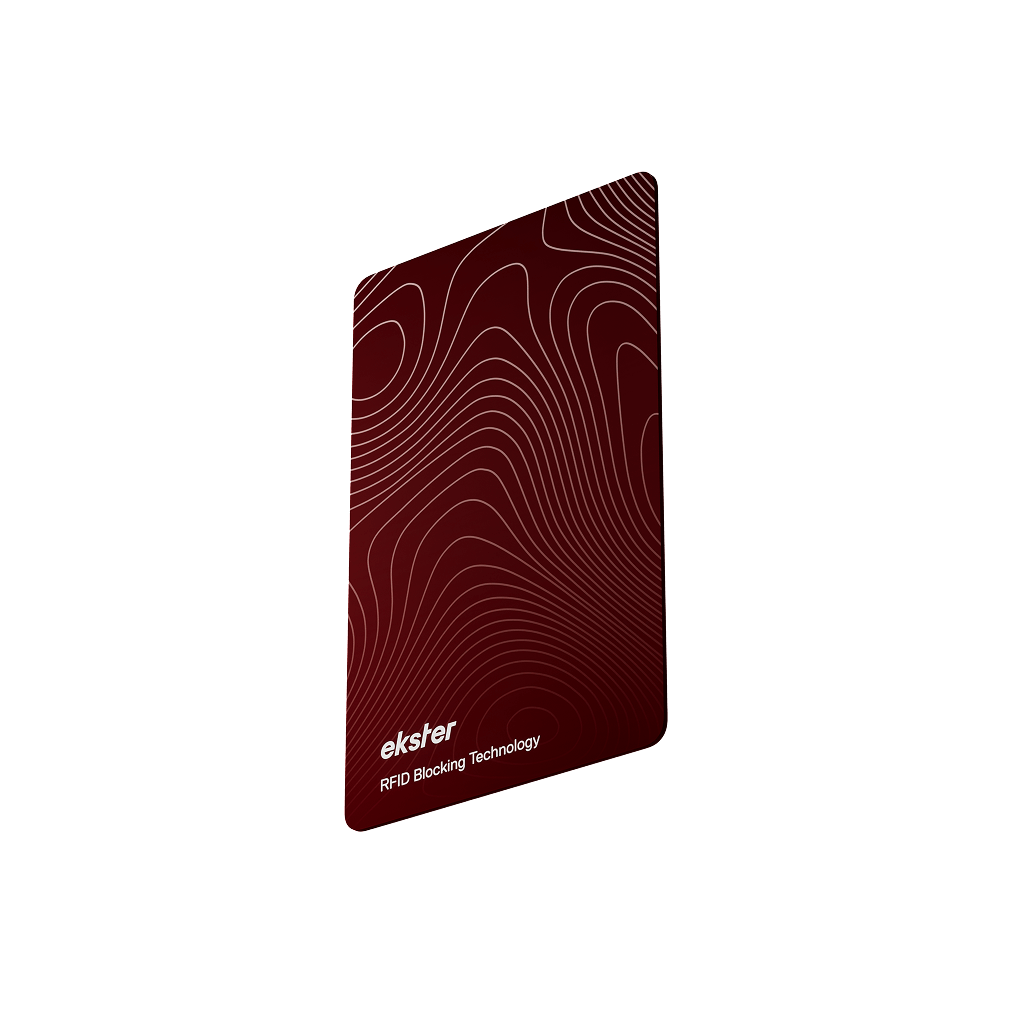
✔️ The Finder Card for MagSafe

2. The add-ons side (aka the modular side)
Flip the wallet over. This is the side without the Ekster logo.
This side is tuned slightly differently:
- The same magnetic strength as the "logo side"
- Different polarity to the other side
- Designed specifically for modular add-ons (even outside of Ekster's range)
- Keeps your wallet attached to your phone while you swap accessories on and off quickly and easily
This side attaches to:
✔️ The Cardholder Nano
✔️ The Cash Clip
✔️ The Coin Tray
Why is different to the phone side? Because if both sides had equal pull force, your add-ons would fight your iPhone for custody of your wallet.
The "logo side" grips your phone. The “modular side” lets you expand your setup without ripping your wallet off every time you add an accessory.
It’s not a flaw. It’s physics, polarity, and engineering working properly.
Every magnetic add-on explained
Let’s break down the entire system so you know exactly how to set up your Cardholder Pro for MagSafe with the add-ons you want to use.
Finder Card for MagSafe
Goes on ➡️ Phone side (Ekster logo side)
Why? Because tracking your wallet from your phone only makes sense when you’re using it as a standalone wallet, and not when you’re attaching the cardholder to your phone.
It doesn’t make sense to put a tracker on the “stacked accessory” side because you need to use your phone to find your wallet anyway. Besides, you might want to attach additional add-ons on that side.

Cardholder Nano
Goes on ➡️ Add-on side (non-logo side)
The Nano is the slim, expandable “extra card pocket” you can snap on when you want to carry:
- Extra cards (up to 10)
- Membership cards
- Parking badges
- That one weird card you never use but weirdly always need
It was engineered with the correct magnet polarity to connect to the add-on side only. This also allows you to use another add-on on the phone side, stacking multiple add-ons as needed.
Cash Clip
Goes on ➡️ Either side (but optimized for the add-on side)
The Cash Clip is universal, meaning it works on both sides. But realistically, most people use it on the add-on side so their bills sit behind the wallet, not between the wallet and their phone.
Recommended placement: Add-on side
Alternative placement: Phone side if you’re carrying it solo.
Coin Tray
Goes on ➡️ Either side
Again, most people use the Coin Tray on the add-on side, stacked under or above the Cash Clip or Nano.
The tray is thin and light, so it doesn’t disrupt the magnetic connection.

Recommended stacking setups
Here’s how to stack everything without drama.
1. The EDC setup (most popular)
➡️ iPhone
➡️ Cardholder Pro for MagSafe
➡️ Cash Clip on back
Clean. Secure. Minimal. Perfect for people who want cash quick and cards quicker.
2. The “I need more storage today” setup
➡️ Finder Card (on logo side)
➡️ Cardholder Pro for MagSafe
➡️ Cardholder Nano
➡️ (Optional) Cash Clip OR Coin Tray behind the Nano
This is the max-capacity option.
3. The slim weekend setup
➡️ Phone
➡️ Cardholder Pro for MagSafe
(No add-ons)
The cleanest possible setup. Nothing behind, nothing extra.
4. The “cash first, cards second” setup
➡️ Phone
➡️ Cardholder Pro for MagSafe
➡️ Coin Tray
➡️ Cash Clip on very back
Balances the weight and keeps everything neat.
Why don’t both MagSafe sides feel equally strong?
Short answer: Because that would break the entire system.
Longer answer: A double-sided MagSafe wallet requires the following…
- One side optimized for Apple’s MagSafe standard
- One side optimized for expansion and modular stacking
- Two different polarities
- Two different magnet layouts
If both sides matched Apple’s MagSafe strength:
- Accessories would yank your wallet off your phone
- The polarity would clash
- The add-on side would attach poorly
- The wallet would detach when removing an accessory
- The entire system would be unreliable
What you’re feeling is intentional engineering, not uneven quality. The one side grabs your phone. The other side grabs everything except your phone. That’s how modularity stays modular.

In short: How to use Ekster’s MagSafe ecosystem correctly
Ekster logo side of the Cardholder Pro for MagSafe:
➡️ Attaches to your iPhone
➡️ Attaches to the Finder Card
➡️ Has a specific polarity
Opposite side:
➡️ For add-ons only (Nano, Cash Clip, Coin Tray)
➡️ Different polarity to the other side
➡️ Lets you expand your carry without detaching the whole wallet
Accessories stack mainly on the non-logo side because that side was engineered for modular expansion.
If you follow that rule, everything will click (literally and figuratively).
GET MAGSAFE ACCESSORIES HERE
FAQs
Does the Cardholder Pro for MagSafe have magnets on both sides?
Yes, but each side has a different magnetic polarity. The logo side is optimized for attaching to your phone, while the opposite side is designed for add-ons.
Why does the magnet feel stronger on the side with the Ekster logo?
Because that side is designed to lock onto your phone (or MagSafe Sticker) with maximum security due to its polarity. This is intentional engineering, not a defect.
Can I attach the Finder Card to either side?
No. The Finder Card only attaches correctly to the phone-facing side (the logo side). This ensures accurate tracking and proper magnet alignment.
Can I stack multiple add-ons on the Cardholder Pro?
Yes. The add-on side is designed to stack accessories like the Cardholder Nano, Cash Clip, and Coin Tray in any order that suits your carry needs.
Can I use the Cardholder Pro for MagSafe with a non-iPhone?
Yes, use Ekster’s MagSafe Sticker to make any phone MagSafe compatible.
Why does the add-on side feel less strong?
It’s tuned for accessory swapping. If it matched the phone side’s polarity, your wallet would detach every time you removed an add-on.
Which accessories work on both sides?
The Cash Clip and Coin Tray can work on either side, but the Finder Card and Nano must be used on their correct sides for optimal performance.


